Click to download now, finish the installation quickly, and directly unlock the all-round experience
Screenshots
Click to download now, finish the installation quickly, and directly unlock the all-round experience
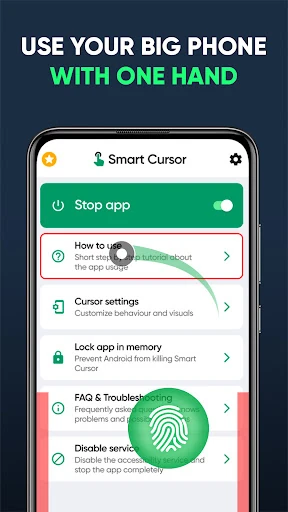
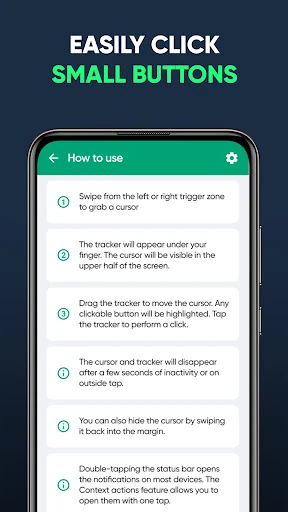
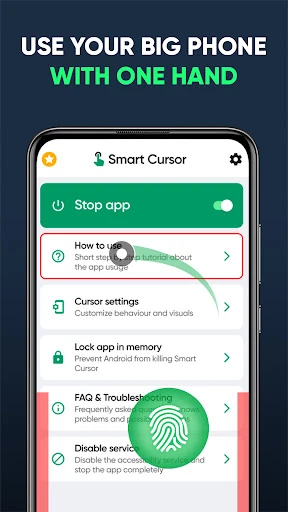
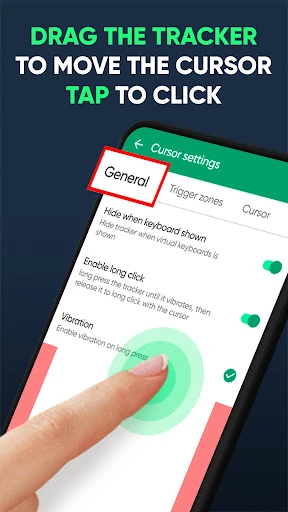
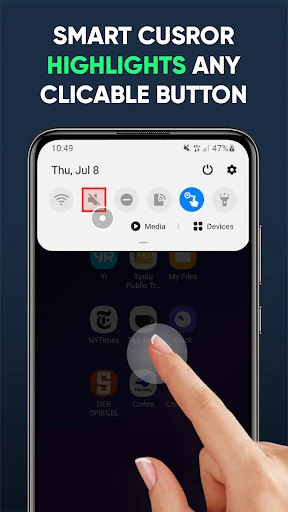
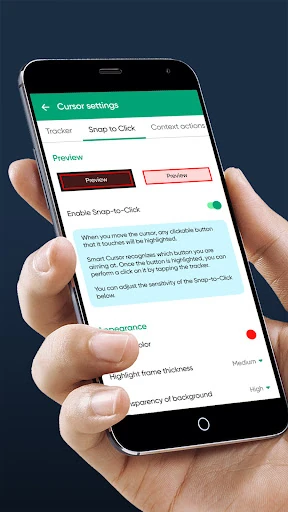
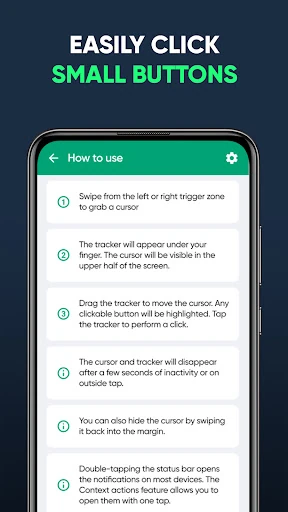
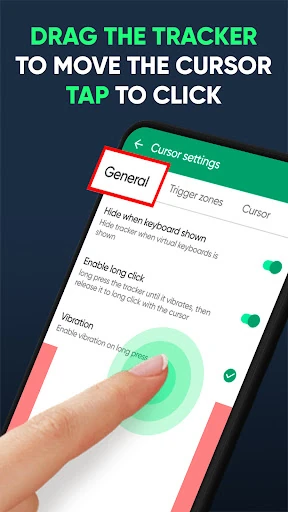
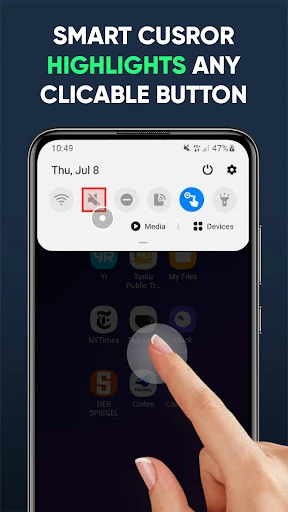
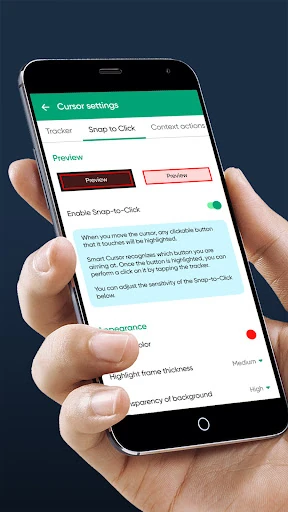
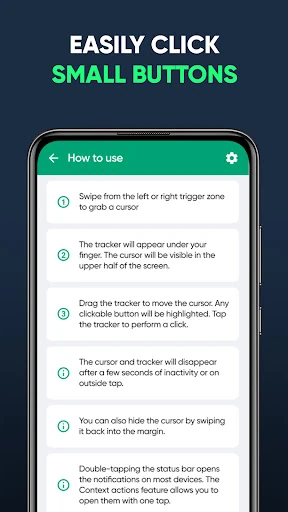
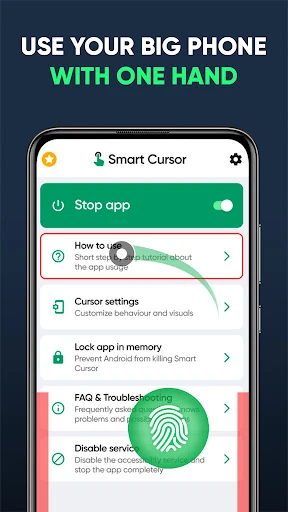
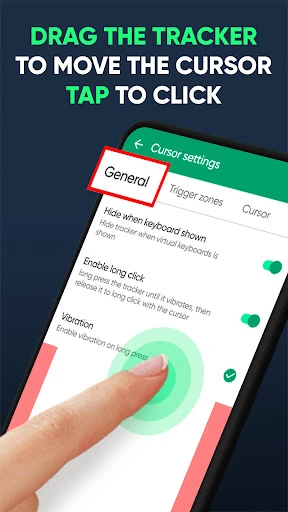
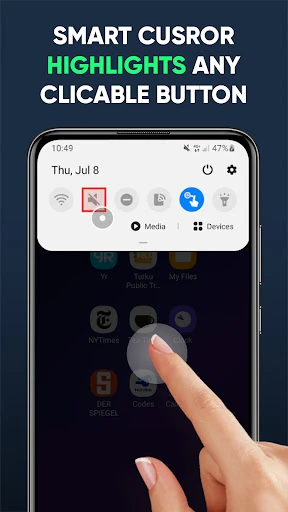
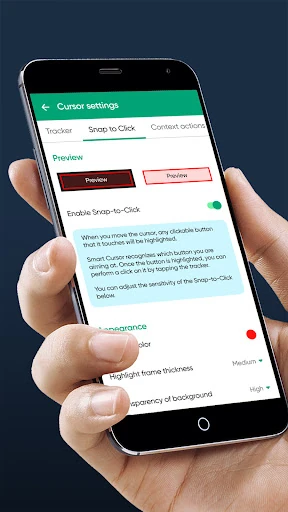
Mouse & Screen Cursor Touchpad adds a virtual cursor and touchpad-style control to Android. It is made for people who find one-handed use awkward on large phones, especially when buttons, menus or notification controls sit beyond an easy thumb’s reach. Instead of stretching across the display, you move the pointer from a lower-screen control area and use it to interact with the upper part of the screen.
The app is built around a simple cursor overlay rather than a separate browsing interface. A swipe from the lower edge can bring up the control, while a Quick Settings tile provides another way to switch the service on or off. This makes it practical for occasional use: keep normal touch controls when you want them, then call up the cursor when a distant target is difficult to reach.
This is a focused tool for users with large-screen phones, limited thumb reach or a preference for desktop-like pointer control. It can also help when holding the phone in one hand makes reaching the top edge uncomfortable. The concept takes a little adjustment if you are used to direct touch, but the controls are based on familiar cursor and touchpad behavior.
Developed by GREEN TECH SOLUTIONS, the app is listed in Tools and has a 4.2 rating from 624 reviews, with 50,000+ installs. Those figures suggest a defined audience has found value in its approach: making remote parts of a tall Android display easier to control.